
Tronador CLI v0.5.10 to v0.5.14: Reviewable Upgrades and a Clearer CLI
Created: November 13, 2026
Updated: November 13, 2026
Since the v0.5.10 release announcement, Tronador CLI has made repository upgrades easier to review and more careful with project-owned configuration. v0.5.11 and v0.5.12 improve upgrade control and YAML output. v0.5.13 adds a quiet update notice. v0.5.14 adds a colored banner to interactive version and top-level help output.
Review an upgrade before committing
v0.5.11 adds tronador repos upgrade --no-commit. The upgrade applies and stages the changes while leaving the commit to you. This creates a review point for teams that want to inspect the resulting diff or run their own checks before recording it in Git. The release also improves preservation of repository-owned YAML and .gitignore customizations during template upgrades.
tronador repos upgrade --workdir ./my-service --no-commit
git -C ./my-service diff --cached
Review the staged changes before committing. The option changes the commit step; it does not make the upgrade a dry run. Use --dry-run when you only want a preview.
Cleaner YAML updates
v0.5.12 normalizes structural YAML indentation to two spaces and removes redundant inactive default template entries. In supported template paths, the upgrade logic retains active values and comments while aligning generated sections. This helps reduce formatting churn when a repository is upgraded repeatedly.
A clearer terminal welcome
v0.5.14 displays the Cloud Ops Works logo and a colored Tronador title when you run tronador version or top-level tronador --help in an interactive terminal. The output includes the version, commit, and build platform. The help view keeps commands and flags immediately below the banner.
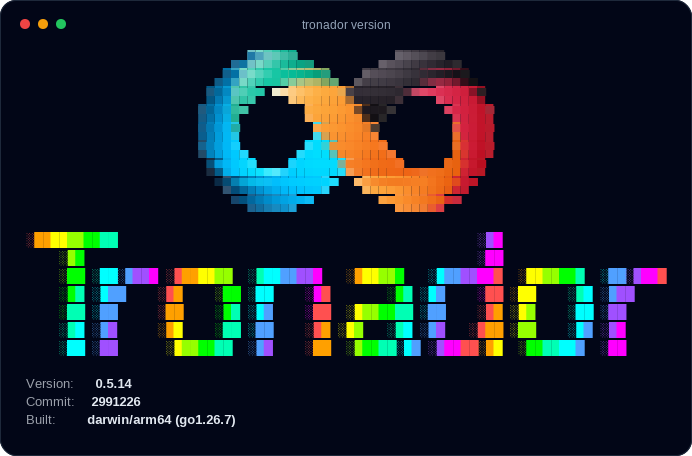
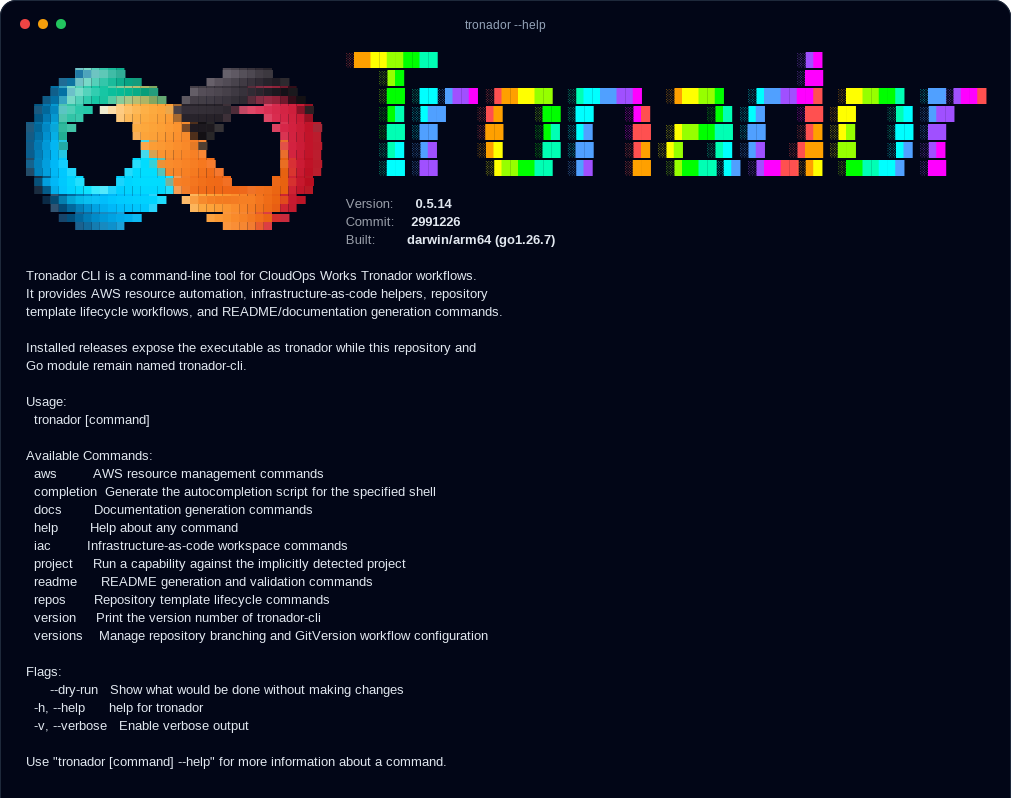
These captures reproduce the published v0.5.14 macOS/arm64 binary's output. The banner adapts to terminal width; a narrow terminal stacks the logo above the title, while a wider terminal places them side by side. Piped tronador version output and tronador version --short remain plain for scripts. Set NO_COLOR if you prefer an uncolored ASCII banner.
Install or upgrade
The installed command is tronador; the package name is tronador-cli.
brew install cloudopsworks/tap/tronador-cli
On Windows, the package is also available through Chocolatey:
choco install tronador-cli
Homebrew and Chocolatey resolve the version currently available in their respective feeds. Community approval can lag GitHub releases, so check the version inventory for channel-specific availability. See the installation guide, Chocolatey package, Homebrew tap, and CLI documentation for details.